Charging, thoughtfully chosen.
Power foreveryday.
For the desk, the commute and everything in between. Find your everyday charging essentials.
Start with your device. Choose the right connector, charging standard and power output.
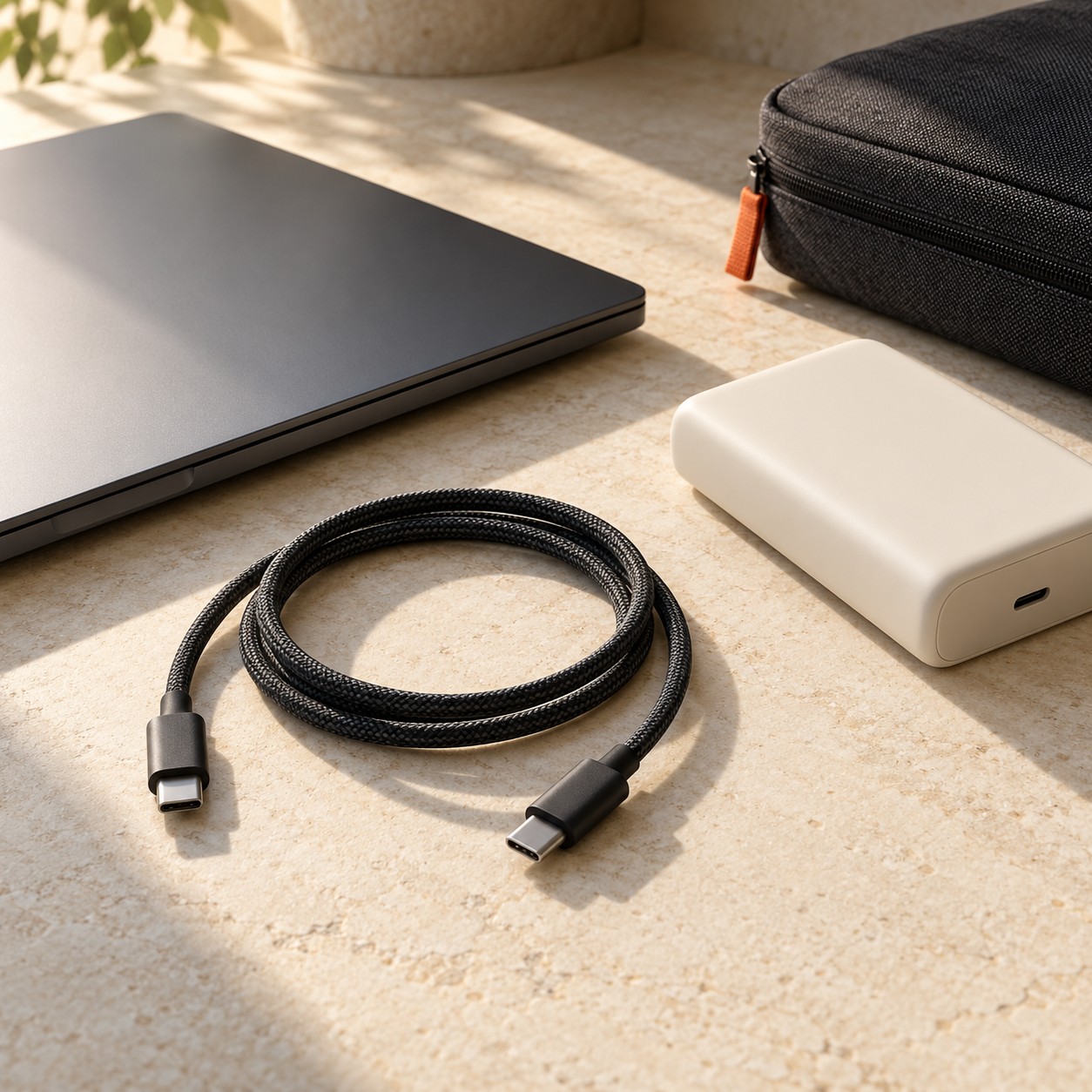
A place for every essential
Less clutter.
More possibility.
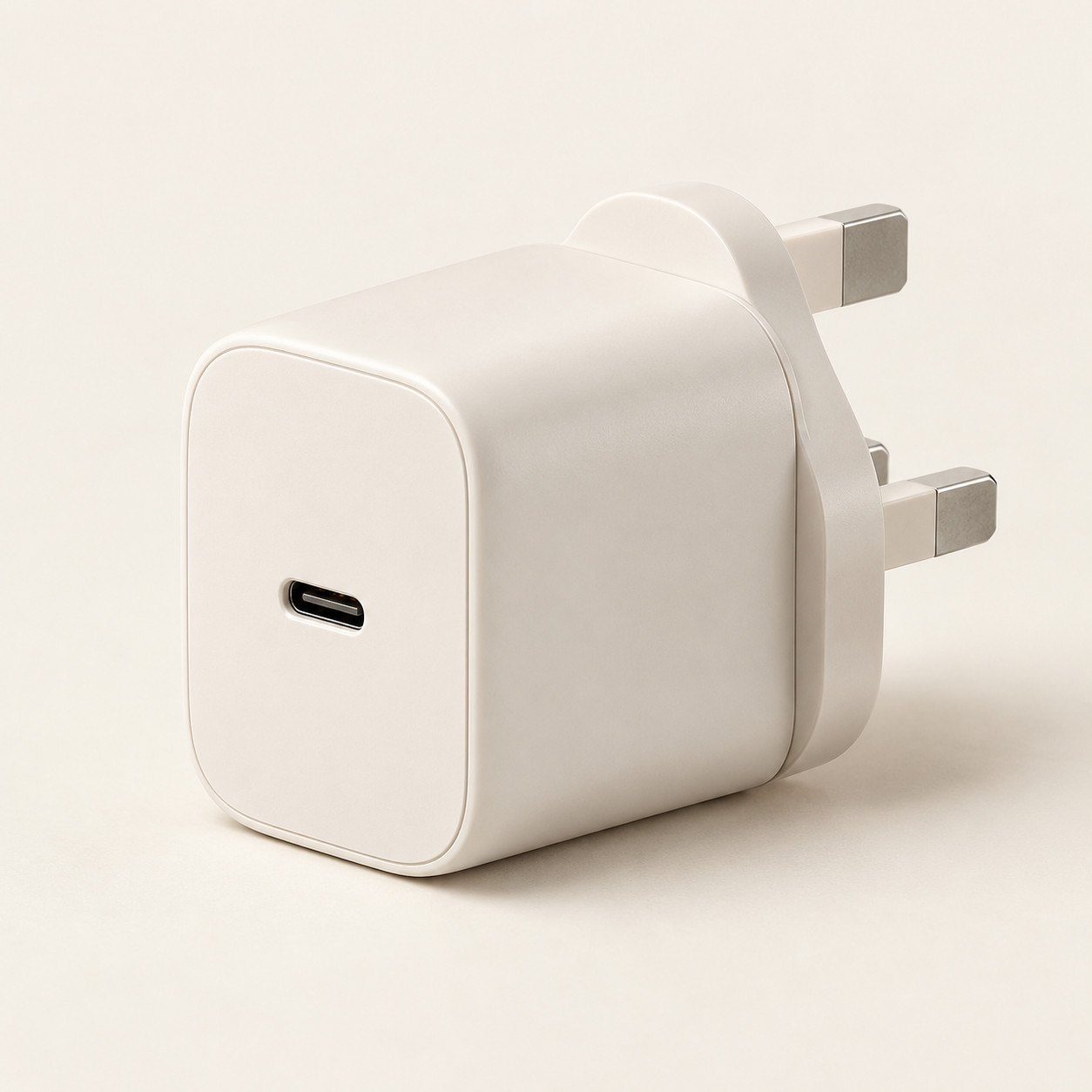
Wall chargers
A considered start to your everyday setup.
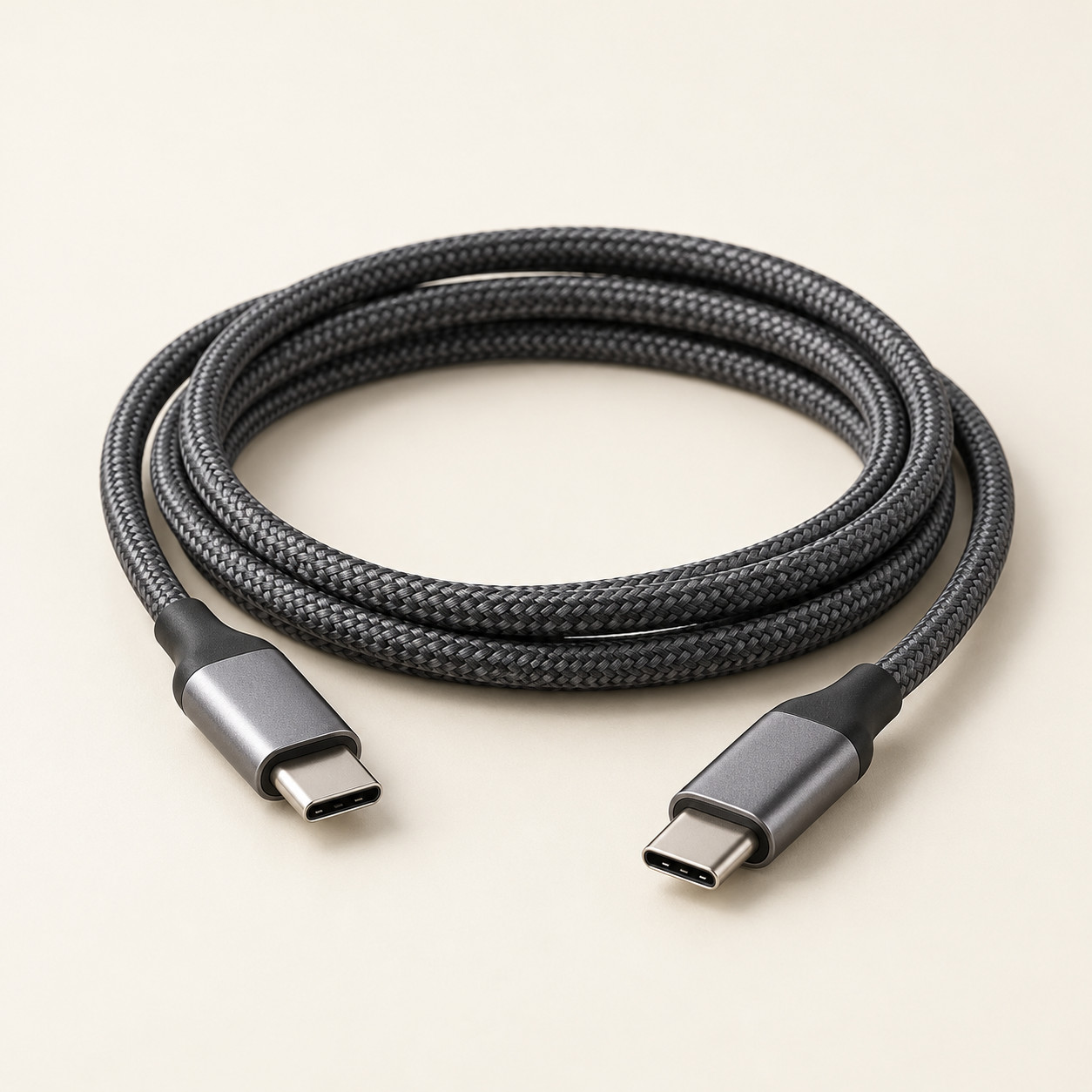
Charging cables
The connection that brings it together.
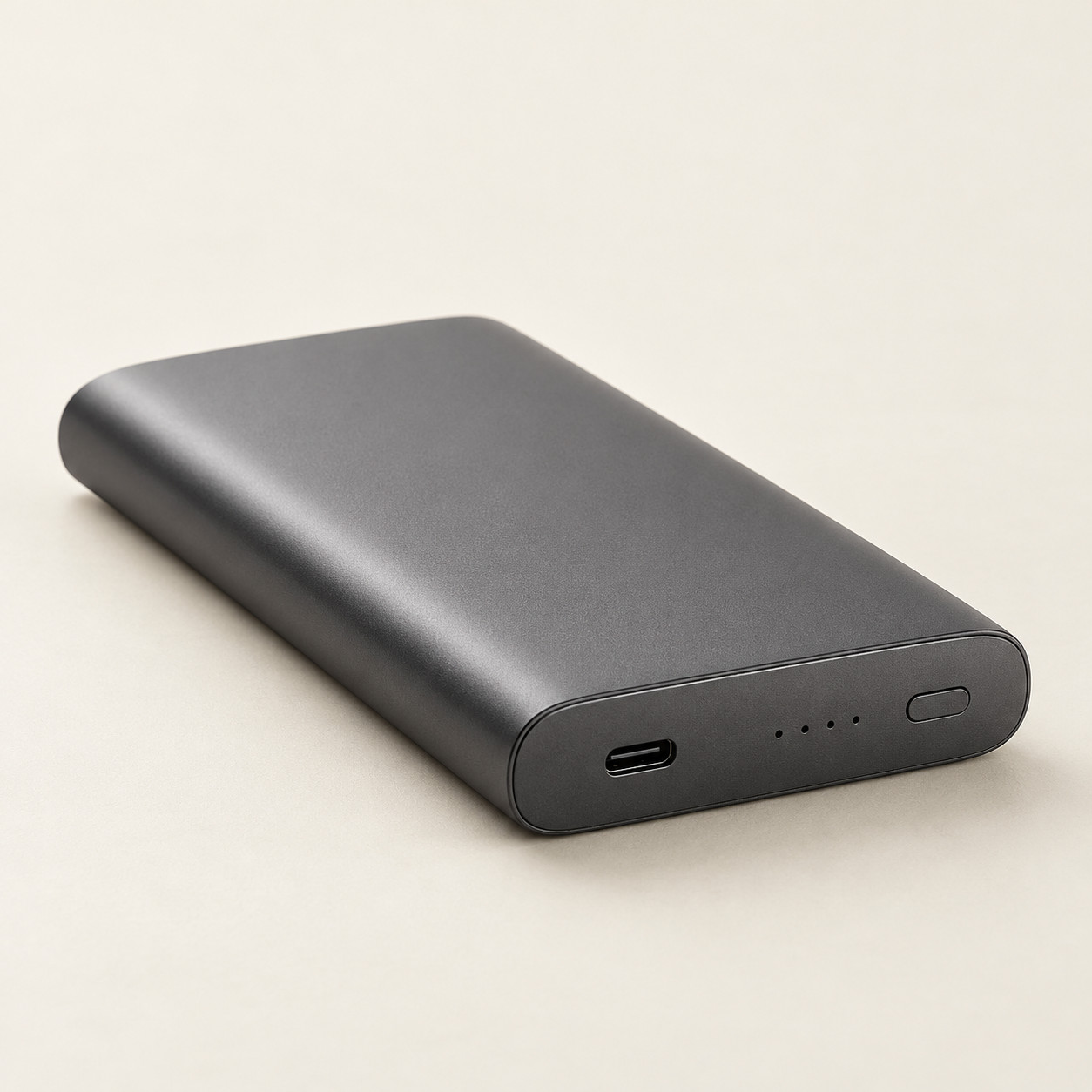
Power banks
For days that take you further.
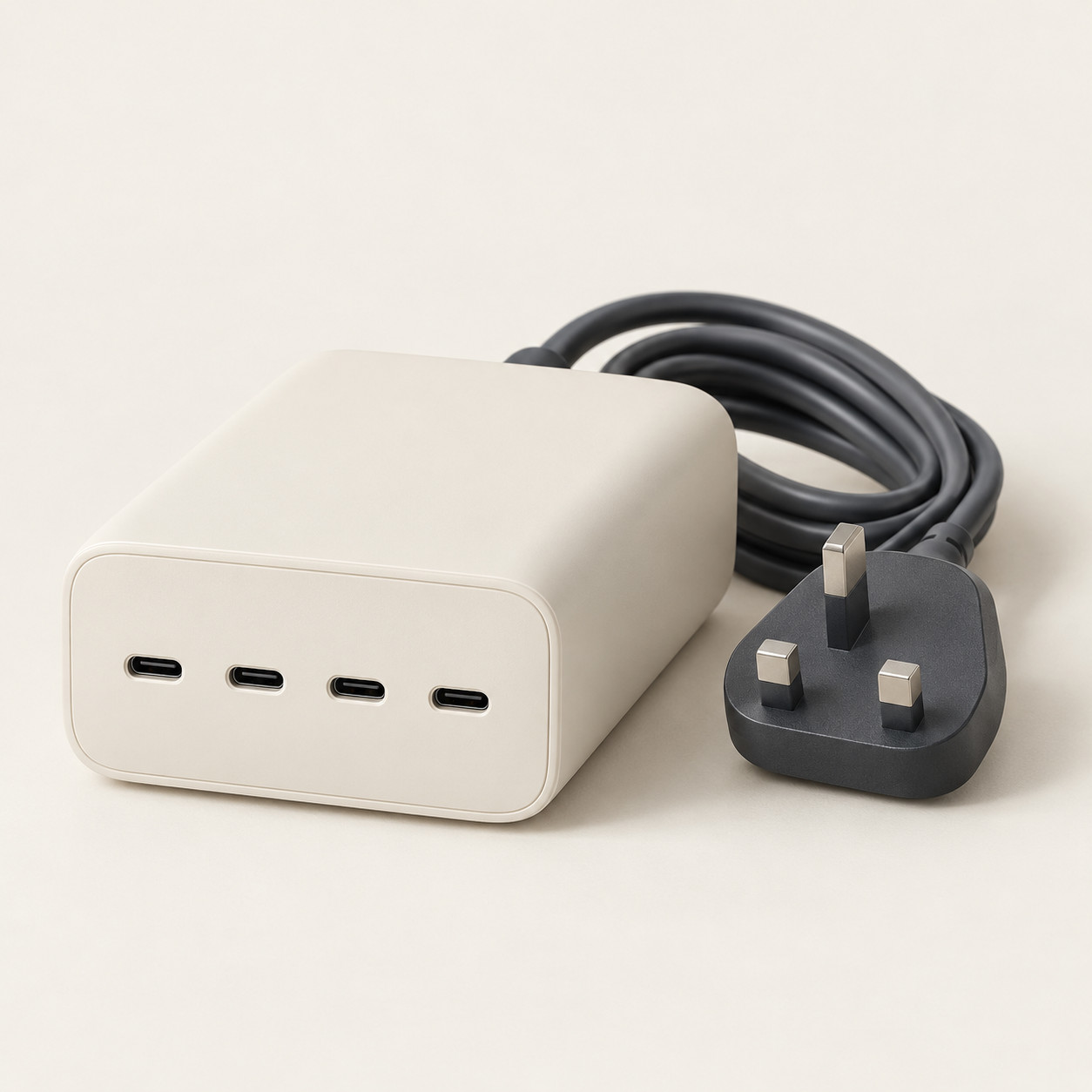
Multi-port chargers
One place for your everyday devices.

Desk & travel
Small details. A simpler setup.
Explore all 25 essentials across five collections.
A few everyday favourites
The essentials edit.
Wall chargers
Pocket USB-C Wall Charger
A compact single-port charging concept for an uncluttered everyday setup.
PKR 2,490SUGGESTED RETAIL PRICE
Charging cables
Braided USB-C to USB-C Cable
A braided two-ended USB-C cable concept for an everyday charging setup.
PKR 1,290SUGGESTED RETAIL PRICE
Desk & travel accessories
Everyday Tech Pouch
A zippered storage-pouch concept for cables and small accessories.
PKR 1,790SUGGESTED RETAIL PRICE
A clearer way to choose
The right charger starts
with your device.
A familiar connector is only the beginning. Three quick checks help you make a more informed choice.
Check the port.
Identify the connector on your device and charger. Check both ends of the cable, including USB-C, USB-A or Lightning.
Match the protocol.
Look for the charging standard your device requires, such as USB Power Delivery or PPS. A USB-C port alone does not confirm support.
Read the power rating.
Check your device maker’s guidance, the cable’s power rating and the charger’s output. With multi-port chargers, check how power is shared.
Charging speed depends on the device, charger, cable and conditions. Always check the manufacturer’s specifications before choosing.
The Watt & Co approach
Good design should
fit into your day.
Charging is a small part of life. Choosing the right setup should feel straightforward, too.
Watt & Co is built around a simple idea: practical essentials, clear information and a quieter approach to everyday technology.
Clarity comes first.
Choose with the details that matter: connectors, supported standards and power output.
Purpose over excess.
Start with how you use your devices, then build a setup around your everyday needs.
Room for the everyday.
Think about your desk, travel bag and the places where you actually need to charge.
A little clarity
Good questions.
Simple answers.
Understand the essentials before you choose your next charging setup.
Does a higher wattage always mean faster charging?
No. Your device limits how much power it can accept. The charger and cable must also support the required charging standard and output.
Will any USB-C charger work with my laptop?
Not necessarily. A matching connector is not enough. Check the laptop manufacturer’s requirements for charging support, power output and cable specifications.
Does the cable make a difference?
Yes. Cables have different power and data capabilities. Choose a cable rated for the output and charging standard your setup needs.
What should I check on a multi-port charger?
Check the output of each port and the total output when several devices are connected. The headline wattage may not be available from every port at the same time.