The Watt & Co charging guide
Find the right
connection.
A practical starting point for choosing a charger and cable that suit your device.
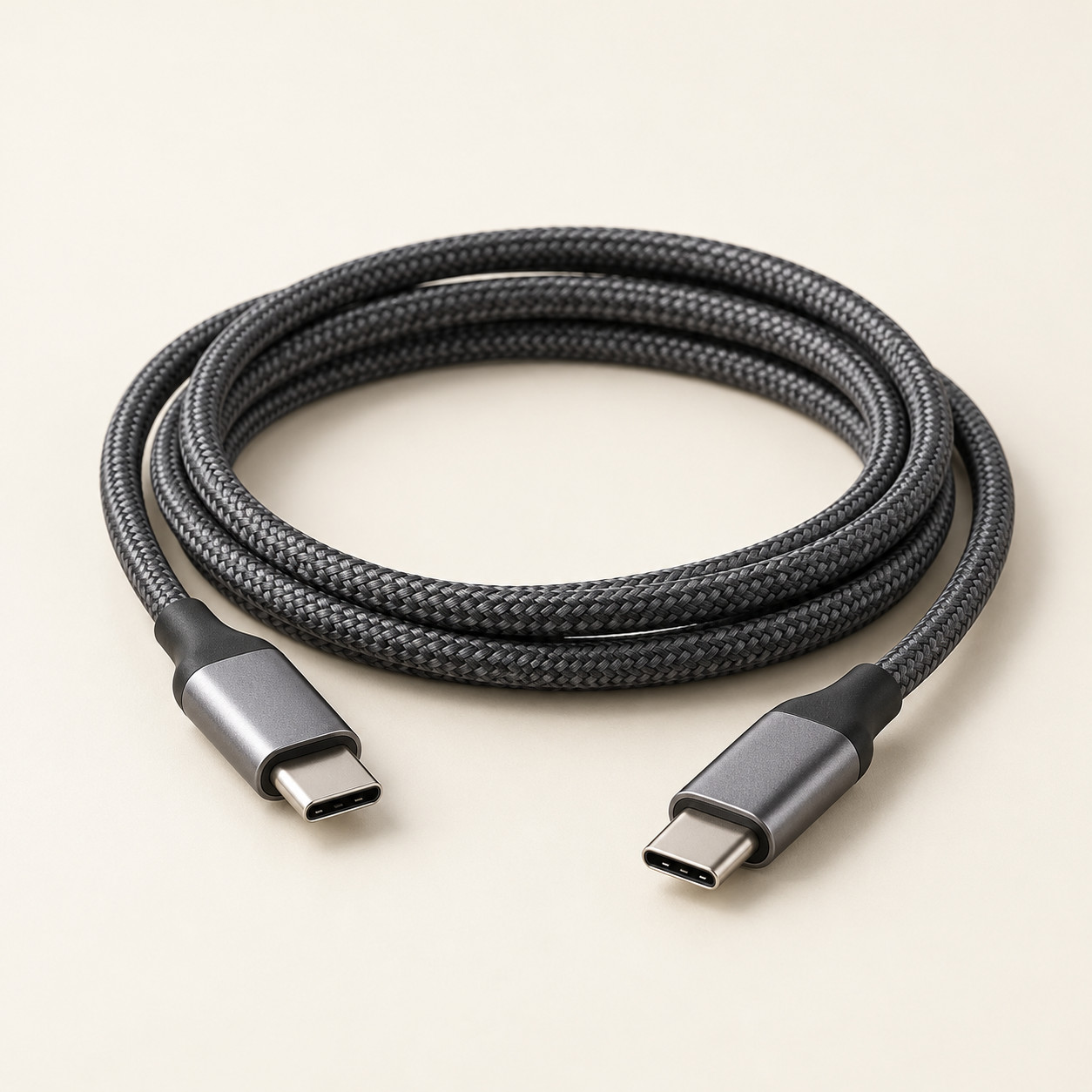
Start with your device maker’s guidance. The connector, charging standard and required output all matter. No single wattage range fits every phone, tablet or laptop.
01. Check both ends of the cable.
Identify the charging connection on your device and the available port on your charger. USB-C, USB-A and Lightning are connector types. A cable needs to connect the two ends of your setup.
A familiar connector does not guarantee a particular charging speed or data capability. Check the cable’s specifications as well as its shape.
02. Match the charging standard.
Look at the charging standards supported by your device and charger. These may include USB Power Delivery (USB PD) or Programmable Power Supply (PPS). Check the exact product specifications rather than relying on a general “fast charging” label.
03. Check the power output.
A watt rating describes power. Your device has its own charging requirements and limits, so a higher-rated charger does not automatically make it charge faster.
Check the charger’s supported output profiles, the device’s requirements and the cable’s power rating. Follow the manufacturer’s compatibility guidance.
04. Think about your whole setup.
| Your setup | What to check |
|---|---|
| Phone or tablet | Connector, supported charging standard and recommended charger output. |
| Laptop | Whether the port supports charging, required power, output profiles and cable rating. |
| Several devices | Per-port output and how the charger shares power when multiple ports are used. |
| Power bank | Output standards, usable capacity, size and any travel restrictions that apply to your journey. |
Before you add to cart
- Check your device’s exact model and charging requirements.
- Confirm the charger supports the required output and charging standard.
- Check both cable connectors and the cable’s power rating.
- Check whether a cable is included or sold separately.
- For multi-port charging, check the shared-output specifications.
Actual charging speed varies with the device, battery level, temperature, charger and cable. Use the manufacturer’s published specifications to confirm compatibility.